 Kettle Tools

Water
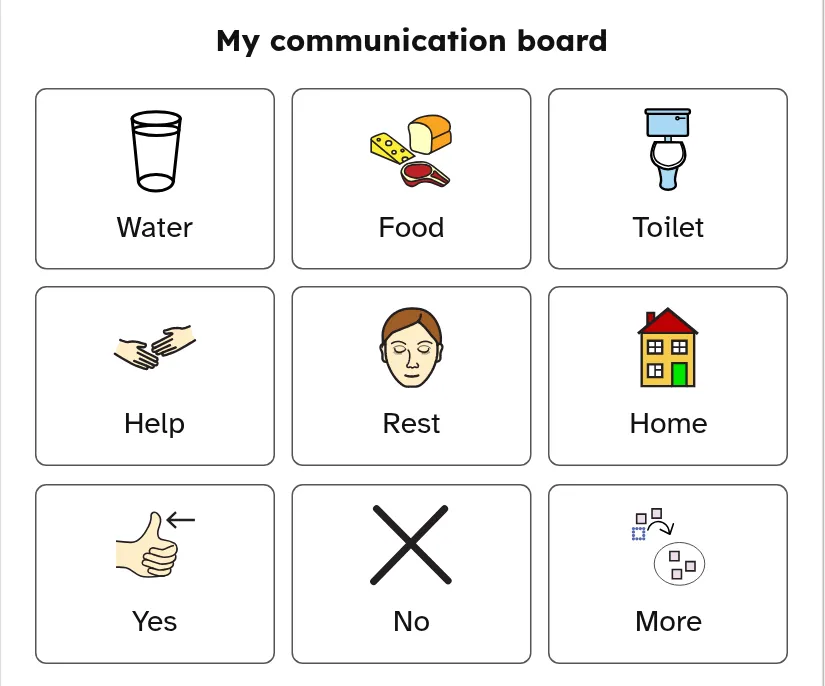
Choose pictures and words for a printable board, then edit it together with the person who will use it.
Print at 100% / Actual size; measure a draft. Match Letter or A4 and turn off browser headers and footers. Photos stay on your device. Shared links include all text and exclude photos.
Water
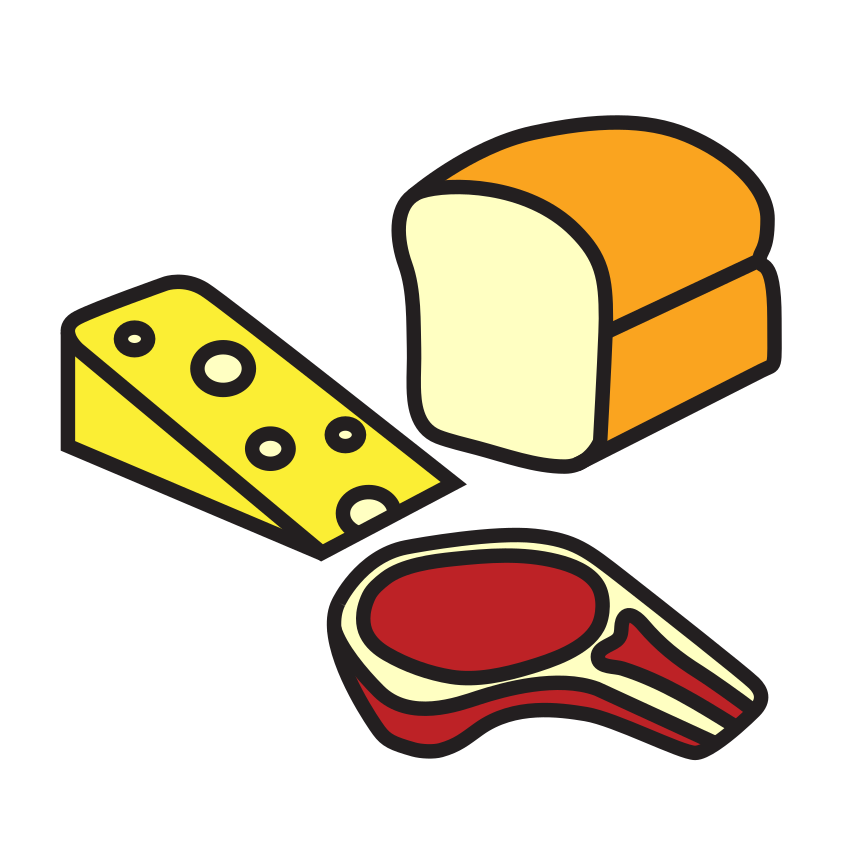
Food

Toilet
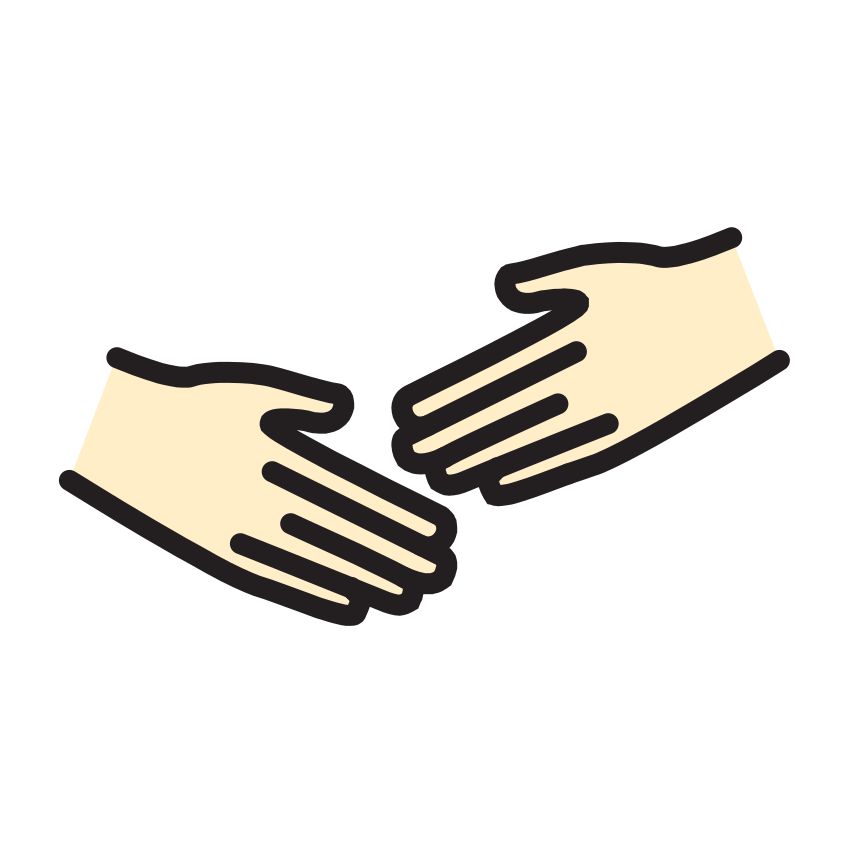
Help
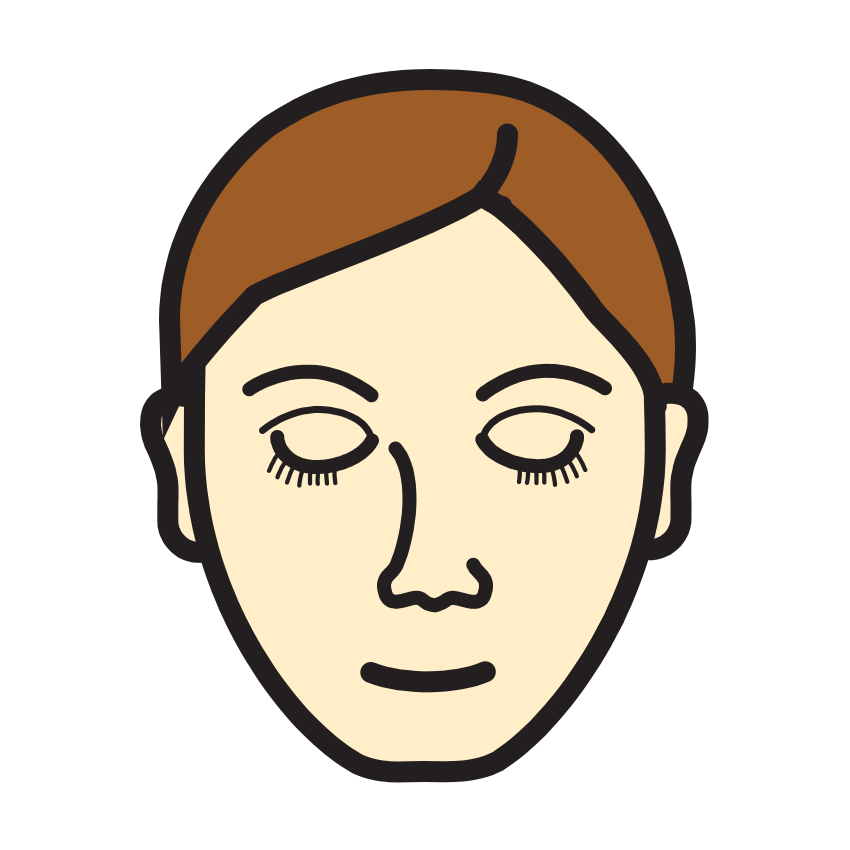
Rest
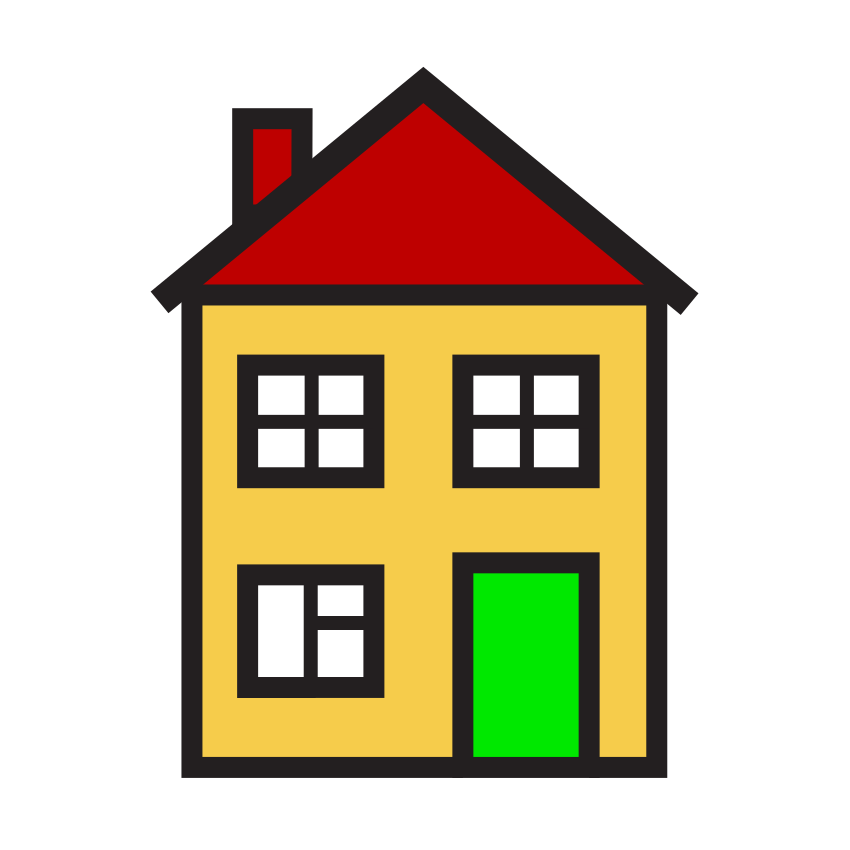
Home
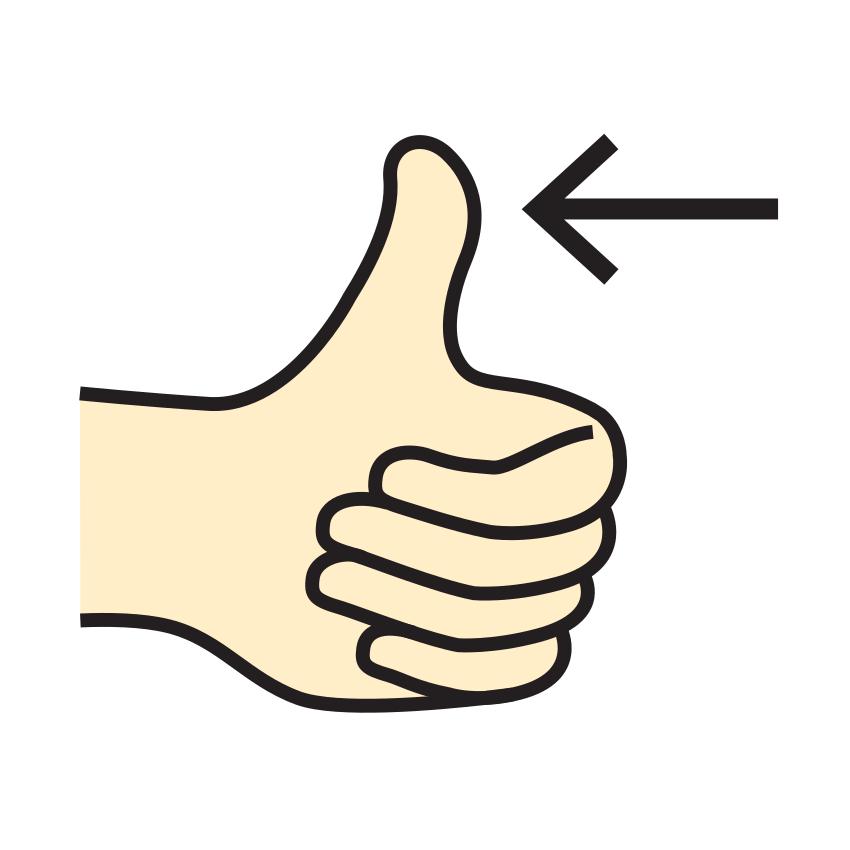
Yes

No
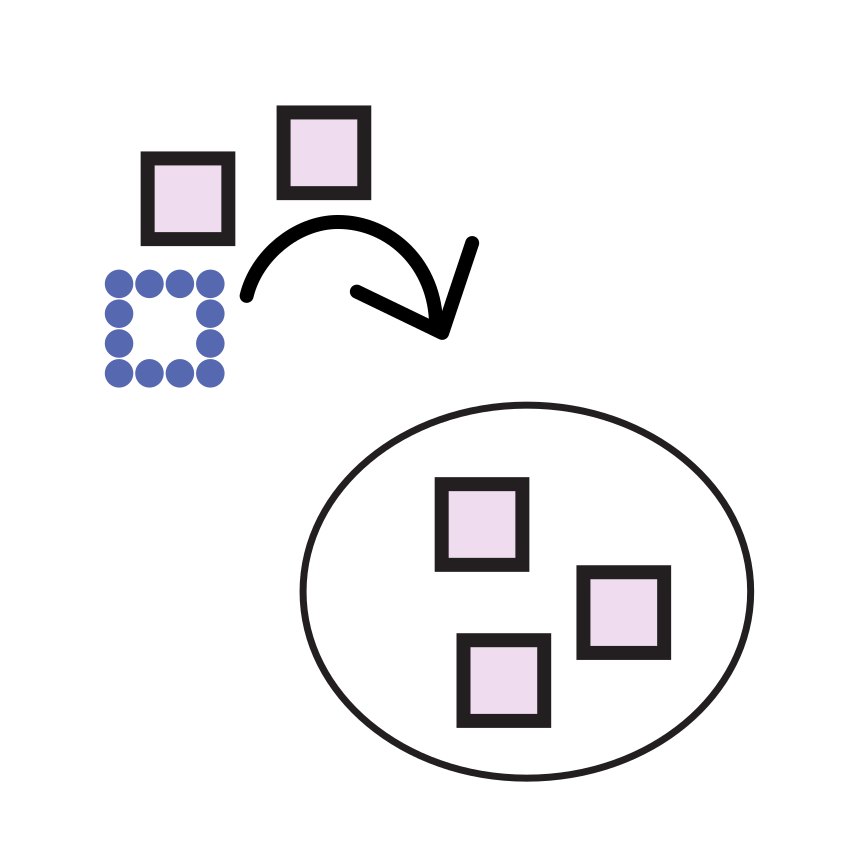
More
Symbols: Mulberry Symbols by Steve Lee, licensed CC BY-SA 4.0 — mulberrysymbols.org · Print at 100% / Actual size
Symbols: Mulberry Symbols by Steve Lee, licensed CC BY-SA 4.0 — mulberrysymbols.org
This printable picture board is a communication aid you edit yourself. It is not a medical device and is not a substitute for assessment or support from a speech-language pathologist or AAC professional. It is printable stationery, not therapy, a diagnostic instrument, or a clinical communication system. There are no promised outcomes. A person can choose whether, when, and how to use the sheet alongside their other ways of communicating.
Start with a small set of familiar words. The daily needs pack is the default example; people, food, places, feelings, and school packs offer different starting points. An optional hospital stay or bedside pack is available in the menu. None of these packs is a care plan. Ask the person which words belong on their board, and remove words that do not fit their life. Make room for requests, refusals, comments, and questions rather than building only a list of adult instructions.
Use a three by three grid to begin, or choose another preset when more space is needed. Custom rows and columns are limited to forty visible cells, including the optional core row. A denser grid leaves less room for pictures and labels. If the preview feels crowded, reduce the number of columns or make a second board for another setting. The optional core row starts with yes, no, wait, help, and more. These labels and pictures remain editable.
Each cell has its own label and picture. Use the symbol picker to search the self-hosted Mulberry collection, or add a local photo of a familiar object or place. A close view with one subject is usually easier to distinguish than a busy scene. Explain the intended meaning together; the same symbol can suggest different things to different people. Use the Move up and Move down buttons to reorder cells with a keyboard. Remove unused cells or add a blank one for a new word.
Select US Letter or A4 to match the paper in your printer. Open Print / Save PDF, select actual size or one hundred percent, and disable the browser’s headers and footers. Check a plain paper draft at the distance where the board will be used. Large print labels are available, but a long sentence can still make a cell crowded. Prefer a short label whose meaning is clear to the person using it.
The cut-apart layout adds spare card sheets with cut lines. Use these if you want removable pictures, and keep them in a labeled envelope or pocket that you supply. Follow the laminator manufacturer’s instructions, leave a sealed border, and choose materials appropriate for the setting. Keep the Mulberry credit with every sheet and PNG you distribute. Black and white mode applies a display filter; the original symbol artwork stays unmodified.
Photos are decoded and drawn in this browser without an upload. Settings and labels are saved in localStorage. Enable Save photos in this browser only if you want photos retained in this browser’s IndexedDB. Without that choice, re-add them after reopening the page. Delete my photos clears this tool’s saved photos. Reset restores the default vocabulary and settings. On a shared computer, consider clearing site data after use as well.
A share link contains the board’s text, symbols, and layout in its URL hash. It excludes photo bytes, so a recipient must add their own photos. Anyone with the link can read the labels: use general vocabulary instead of names, addresses, or private details. PNG downloads and printed sheets include the photos currently visible, so store those copies with care. Review the board with its user when routines or preferences change, and keep other ways to communicate available.
At home, a board might contain choices for meals or activities. In a classroom, it could hold words for materials, questions, and breaks. During a hospital stay, someone may choose everyday requests to keep beside the bed; staff guidance still applies. People with speech difficulties may choose a picture board alongside their other ways of communicating. These are examples, not medical advice or promises about results.
Last updated: · By Kettle Tools team
No. A homemade picture board is not a substitute for assessment or support from a speech-language pathologist or AAC professional.
Choose a preset or custom grid. The editor caps visible cells at forty, including the optional core row. Fewer cells give each picture and label more room.
Yes. Every label and symbol is editable, including the core row. Packs are examples and can be replaced or edited.
No. Daily needs is the default. Hospital stay / bedside is an optional editable pack, not medical advice or a care plan.
No. Share links include labels and symbol choices but exclude photo bytes. Downloaded PNGs and printed sheets do include visible photos.
Choose Cut-apart cards to add spare sheets. Print at actual size, check a draft, and retain the symbol attribution.